 d74add35d4
* fix(accounts): take POS summary warehouse and cost centre from one item line

Both describe an item line, not the invoice, and an invoice can carry several.
They were aggregated independently per invoice, so the report could show a
warehouse from one line beside a cost centre from another -- a pair that was
never posted.

The warehouse then becomes an outer grouping key, so the pick is not merely a
label: it decides how rows are partitioned across owner/date and therefore what
each row totals. Max() over text is a sort, and MariaDB folds case while
PostgreSQL orders by byte value, so the two engines can partition differently.

Take both off one real line instead, and the mode of payment off one real
payment line for the same reason. Sales Invoice Item is hash-named and Sales
Invoice Payment declares no autoname rule, so frappe hash-names it too -- which
keeps Min(name) free of the collation divergence that sorting text has.

* test(accounts): cover POS summary warehouse/cost-centre coherence

The existing tests post a single item line, so they cannot see this. Adds an
invoice with two lines whose warehouse and cost centre are deliberately
crossed: the higher warehouse sits on the line with the lower cost centre, so
an independently aggregated pair belongs to neither line.

* fix(accounts): pick the POS summary representative by idx, not by hash

Min(name) selected whichever child row happened to have the lowest hash, which
is arbitrary and turns on something unrelated to the data. Min(idx) selects the
first line the user actually entered: an integer, so the pick is free of
collation, and it is meaningful rather than incidental.

The join moves to (parent, idx), which is unique per parent.

ERPNext
Powerful, Intuitive and Open-Source ERP




ERPNext
100% Open-Source ERP System to help you run your business.
Motivation
Running a business is a complex task - handling invoices, tracking stock, managing personnel, and other daily operations. In a market where software is sold separately to manage each of these tasks, ERPNext does all of the above and more, for free.
Key Features
- Accounting: All the tools you need to manage cash flow in one place, right from recording transactions to summarizing and analyzing financial reports.
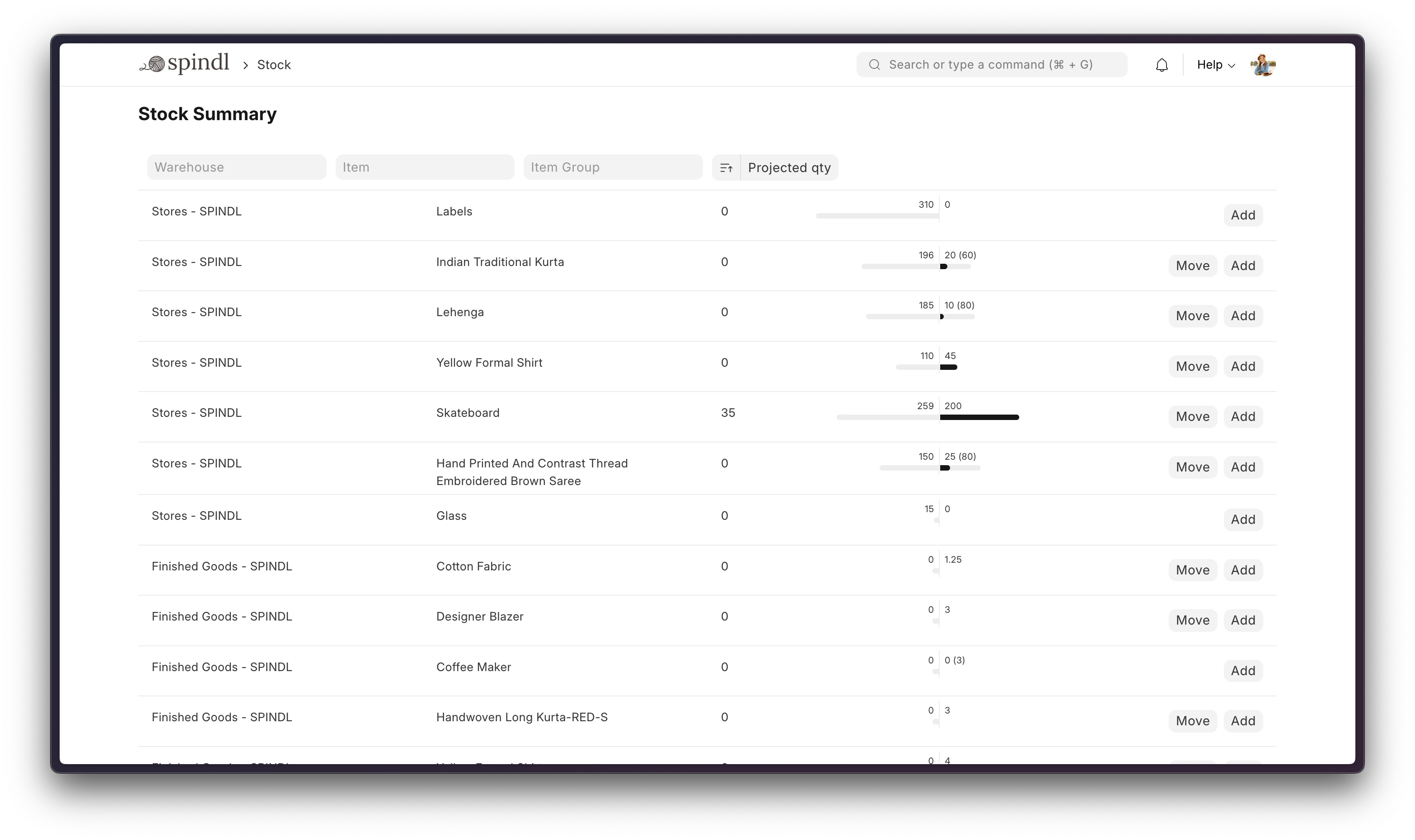
- Order Management: Track inventory levels, replenish stock, and manage sales orders, customers, suppliers, shipments, deliverables, and order fulfillment.
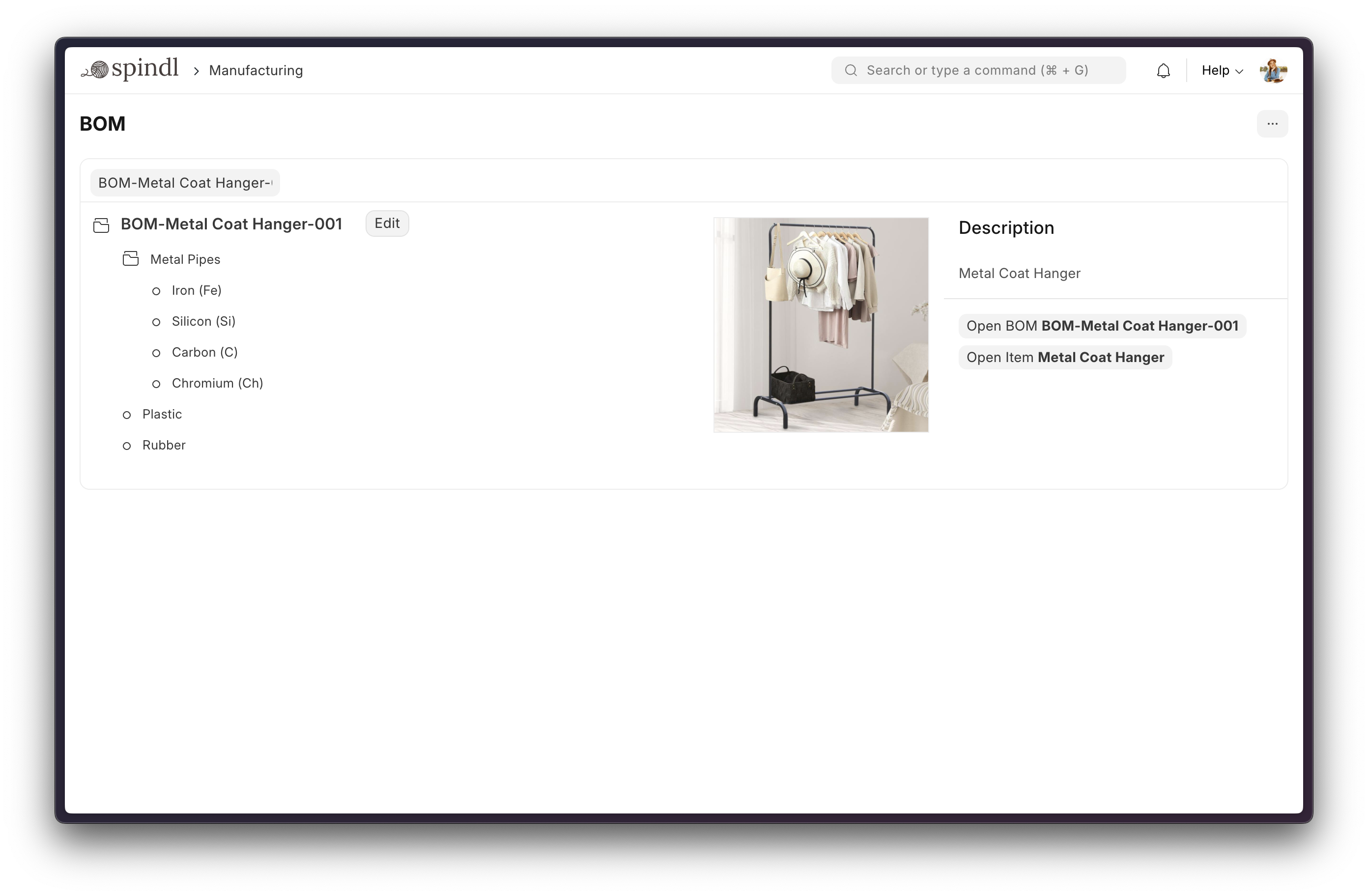
- Manufacturing: Simplifies the production cycle, helps track material consumption, exhibits capacity planning, handles subcontracting, and more!
- Asset Management: From purchase to disposal, IT infrastructure to equipment. Covers every branch of your organization, all in one centralized system.
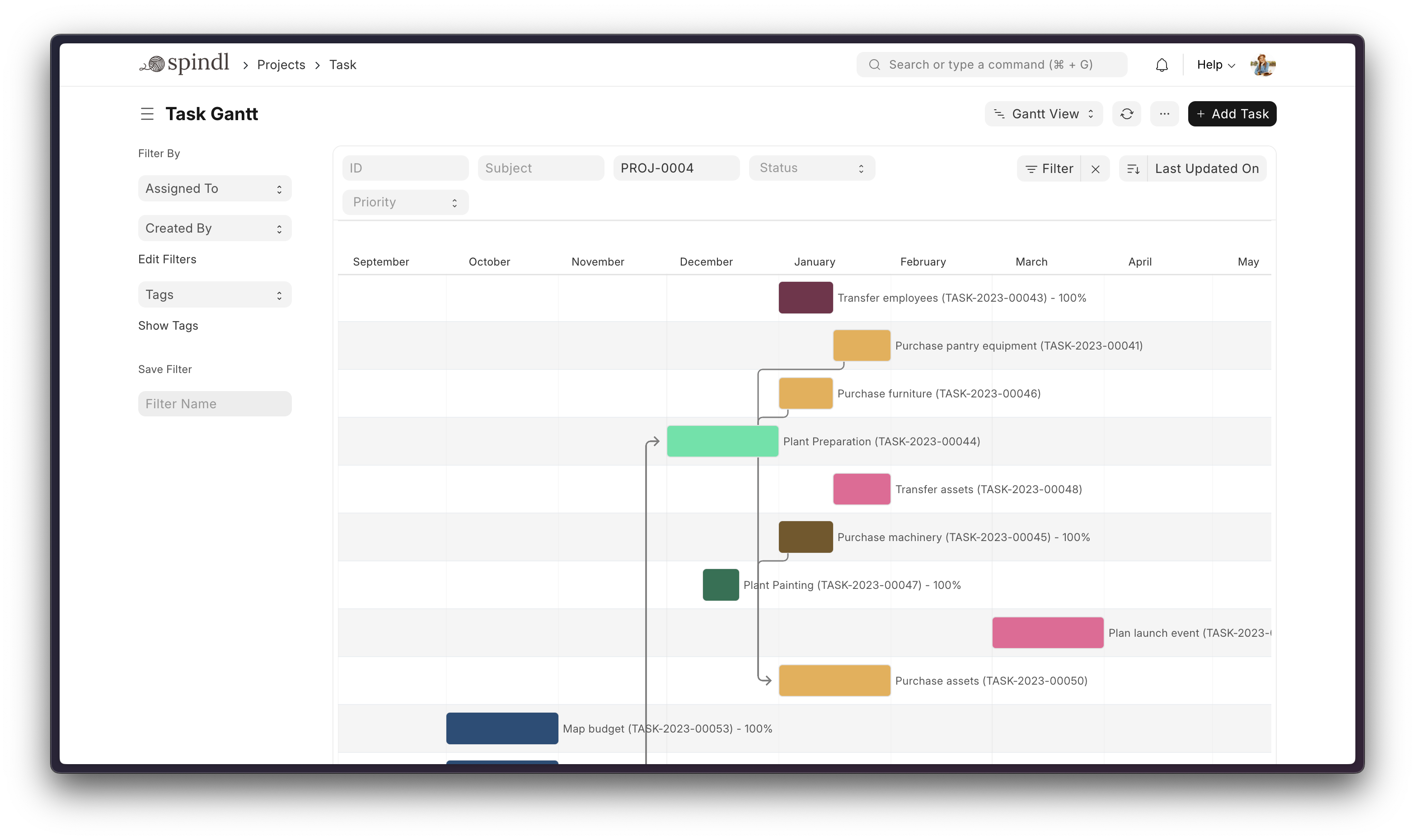
- Projects: Deliver both internal and external projects on time, budget and profitability. Track tasks, timesheets, and issues by project.
More

Under the Hood
-
Frappe Framework: A full-stack web application framework written in Python and JavaScript. The framework provides a robust foundation for building web applications, including a database abstraction layer, user authentication, and a REST API.
-
Frappe UI: A Vue-based UI library, to provide a modern user interface. The Frappe UI library provides a variety of components that can be used to build single-page applications on top of the Frappe Framework.
Production Setup
Managed Hosting
You can try Frappe Cloud, a simple, user-friendly, and sophisticated open-source platform to host Frappe applications reliably and securely.
It handles installation, setup, upgrades, monitoring, maintenance, and support of your Frappe deployments. It is a fully featured developer platform with an ability to manage and control multiple Frappe deployments.

Self-Hosted
Docker
See Frappe Docker Documentation for full documentation & FAQ on Docker setup
Prerequisites
For Docker basics and best practices refer to Docker's documentation
Try on your environment
⚠️ Disposable demo only
This setup is intended for quick evaluation. Expect to throw the environment away. You will not be able to install custom apps to this setup. For production deployments, custom configurations, and detailed explanations, see the full documentation.
First clone the repo:
git clone https://github.com/frappe/frappe_docker
cd frappe_docker
Then run:
docker compose -f pwd.yml up -d
Wait for a couple of minutes for ERPNext site to be created or check the create-site container logs before opening browser on port 8080. (username: Administrator, password: admin)
See Frappe Docker for ARM based docker setup
Development Setup
Manual Install
The Easy Way: our install script for bench will install all dependencies (e.g. MariaDB). See https://github.com/frappe/bench for more details.
New passwords will be created for the ERPNext "Administrator" user, the MariaDB root user, and the Frappe user (the script displays the passwords and saves them to ~/frappe_passwords.txt).
Local
To setup the repository locally follow the steps mentioned below:
-
Setup bench by following the Installation Steps and start the server
bench start -
In a separate terminal window, run the following commands:
# Create a new site bench new-site erpnext.localhost -
Get the ERPNext app and install it
# Get the ERPNext app bench get-app https://github.com/frappe/erpnext # Install the app bench --site erpnext.localhost install-app erpnext -
Open the URL
http://erpnext.localhost:8000/appin your browser, you should see the app running
Learning and Community
- Frappe School - Learn Frappe Framework and ERPNext from the various courses by the maintainers or from the community.
- Official documentation - Extensive documentation for ERPNext.
- Discussion Forum - Engage with the community of ERPNext users and service providers.
- Telegram Group - Get instant help from huge community of users.
Contributing
Logo and Trademark Policy
Please read our Logo and Trademark Policy.
