 d3c5e866f0
* feat: block sales invoice submit when customer overdue exceeds threshold (#57230)

* feat: block sales invoice submit when customer overdue exceeds threshold

Adds an opt-in, per-customer Overdue Billing Threshold. When enabled in
Accounts Settings, submitting a Sales Invoice is blocked if the customer's
overdue amount exceeds their threshold, unless the current user holds a
configured bypass role. Modeled on the existing credit limit feature.

- Accounts Settings (Credit Limits tab): enable toggle + bypass role.
- Per-customer threshold on the Customer Credit Limit table, shown only
  when the feature is enabled via a property setter (same mechanism as
  subscription / accounting dimension sections). Table relabeled to
  "Credit & Overdue Limits".
- Overdue is read live from the ledger via get_outstanding_invoices
  (payments already netted), summing Sales Invoices past their due date.
- Enforced in Sales Invoice on_submit, after the credit-limit check;
  returns are exempt.
- validate_credit_limit_on_change no longer trips when a row sets only
  the overdue threshold (credit_limit = 0).

Fixes #52960

* fix: compute overdue amount in company currency and format with fmt_money

get_customer_overdue_amount now sums GL Entry debit - credit grouped per
invoice, which is always booked in company currency, instead of using
get_outstanding_invoices which returns the receivable-account currency.
The threshold is in company currency, so the previous comparison could mix
currencies for customers with a foreign-currency receivable account. This
mirrors how get_customer_outstanding computes the figure for the existing
credit-limit check.

The blocking message now formats both amounts with fmt_money using the
company currency.

Adds a test asserting a 100 USD invoice at a conversion rate of 50 is
counted as 5000 in company currency.

* refactor: drop redundant threshold coercion and dead test cleanup

- Coerce the overdue threshold with flt() once when reading it, instead of
  calling flt() on it at each of the three use sites.
- Remove a no-op set_overdue_billing_threshold() call in the feature-disabled
  block (the threshold was already set to that value) and the trailing reset,
  which is dead since each test is rolled back.

No behaviour change.

* fix: compute overdue amount from payment terms, matching the Overdue status

The overdue amount keyed on Sales Invoice.due_date, which set_due_date() sets
to the LAST payment term. An invoice whose first term was past due and unpaid
was therefore counted as zero, even though ERPNext already shows it as Overdue
in the invoice list. The gate and the UI could disagree.

get_customer_overdue_amount now follows the same rule as is_overdue(): per
invoice, the amount that has fallen due (sum of payment schedule terms past
their due date) minus what has been paid, clamped to the outstanding balance.
Invoices without a schedule (POS, opening) still fall back to the invoice due
date, mirroring is_overdue()'s own guard.

The ledger stays the source of truth for what is unpaid: the outstanding per
invoice is still SUM(debit) - SUM(credit) from GL Entry. base_payment_amount is
always stored in company currency, so no currency conversion is needed and the
comparison against the threshold stays consistent.

Adds a test covering a two-term invoice: only the past-due term counts, and
paying it off clears the overdue amount.

* feat: honour the overdue billing threshold set on the customer group

The threshold lives on Customer Credit Limit, which is also rendered on
Customer Group. A threshold set there was stored but never evaluated, so the
configuration was a silent no-op.

get_overdue_billing_threshold now reads the customer's row and falls back to
its customer group, mirroring get_credit_limit. The group's
bypass_credit_limit_check is deliberately not consulted: it is labelled for the
credit limit check at sales order and is unrelated to overdue billing.

get_customer_group_details also dropped the threshold when copying group rows
onto a customer, because it copied a single hardcoded field per table. It now
copies a list of fields per table, so credit_limit and overdue_billing_threshold
both carry over.

* refactor: clearer labels for the overdue billing control (#57298)

refactor: clearer labels and messages, drop "threshold" wording

User-facing text only, no field or behaviour changes:

- Accounts Settings toggle label -> "Restrict Customer Over Billing".
- Bypass role label -> "Role Allowed to Bypass Over Billing Restriction".
- Customer Credit Limit field label -> "Overdue Limit".
- Rewrote the descriptions and the block message to match and to stop
  saying "threshold".

* fix: treat zero overdue limit as opt-out and isolate settings in test

get_overdue_billing_threshold treated an explicit 0 on the customer's credit
limit row as "not set" and fell back to the customer group. A customer could
not be exempted from the group restriction while keeping a credit limit row,
and every existing row defaults to 0, so enabling the feature on a group blocked
all its customers that had any credit limit row. Guard the group fallback on
"threshold is None" (no row for the company) instead of a falsy check, so an
explicit 0 acts as an opt-out.

test_overdue_billing_threshold_on_submit mutated the Accounts Settings singleton
without restoring it, so a failed assertion mid-test leaked
enable_overdue_billing_threshold and the bypass role into later tests that submit
sales invoices. Wrap the mutations in try/finally and restore the originals.

* fix: let a zero customer overdue limit inherit the group's limit

A 0 on the customer's credit limit row falls back to the customer group again;
only a non-zero value on the customer overrides the group. Reverts the earlier
opt-out interpretation and updates the fallback test to expect the group's limit.

ERPNext
Powerful, Intuitive and Open-Source ERP




ERPNext
100% Open-Source ERP system to help you run your business.
Motivation
Running a business is a complex task - handling invoices, tracking stock, managing personnel and even more ad-hoc activities. In a market where software is sold separately to manage each of these tasks, ERPNext does all of the above and more, for free.
Key Features
- Accounting: All the tools you need to manage cash flow in one place, right from recording transactions to summarizing and analyzing financial reports.
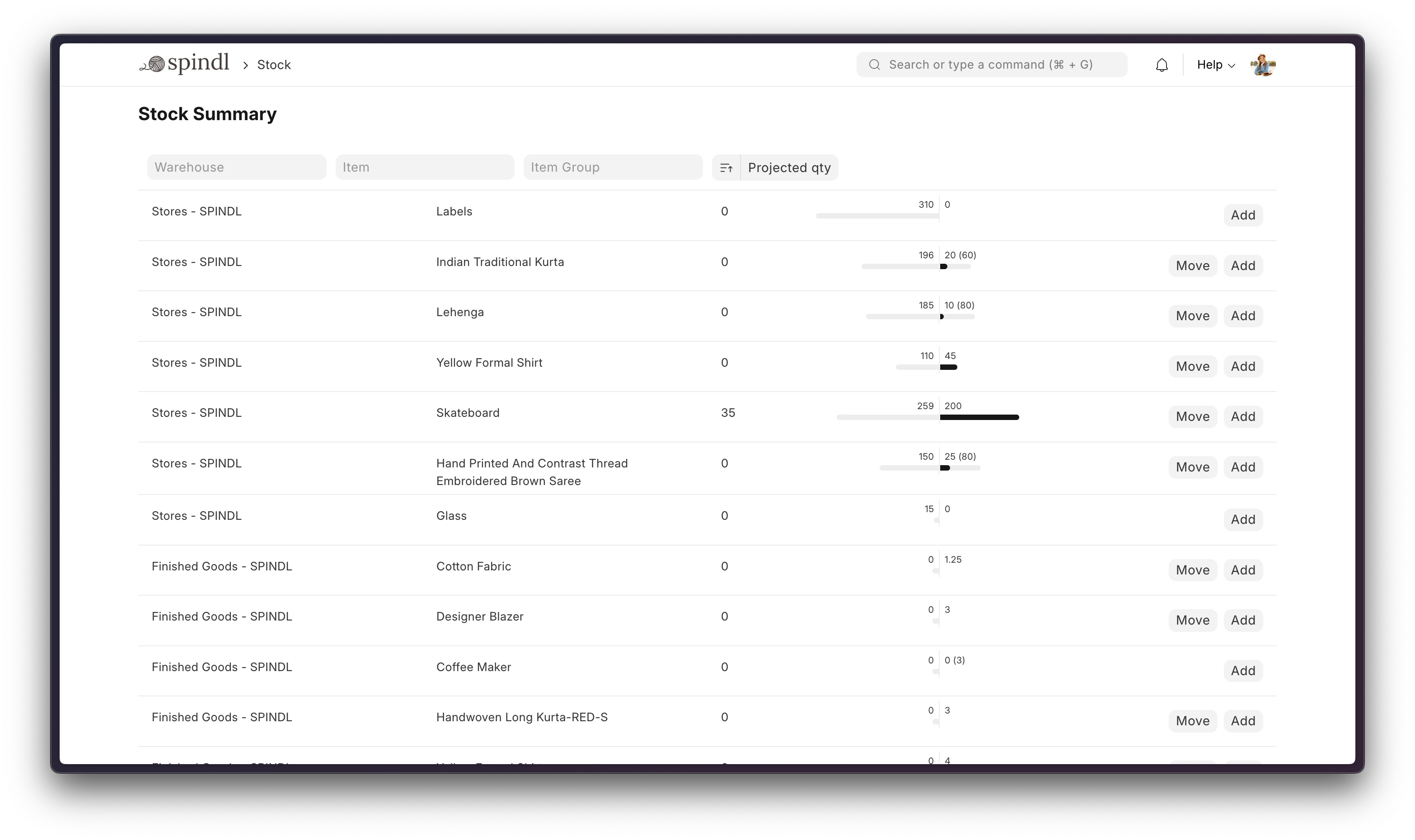
- Order Management: Track inventory levels, replenish stock, and manage sales orders, customers, suppliers, shipments, deliverables, and order fulfillment.
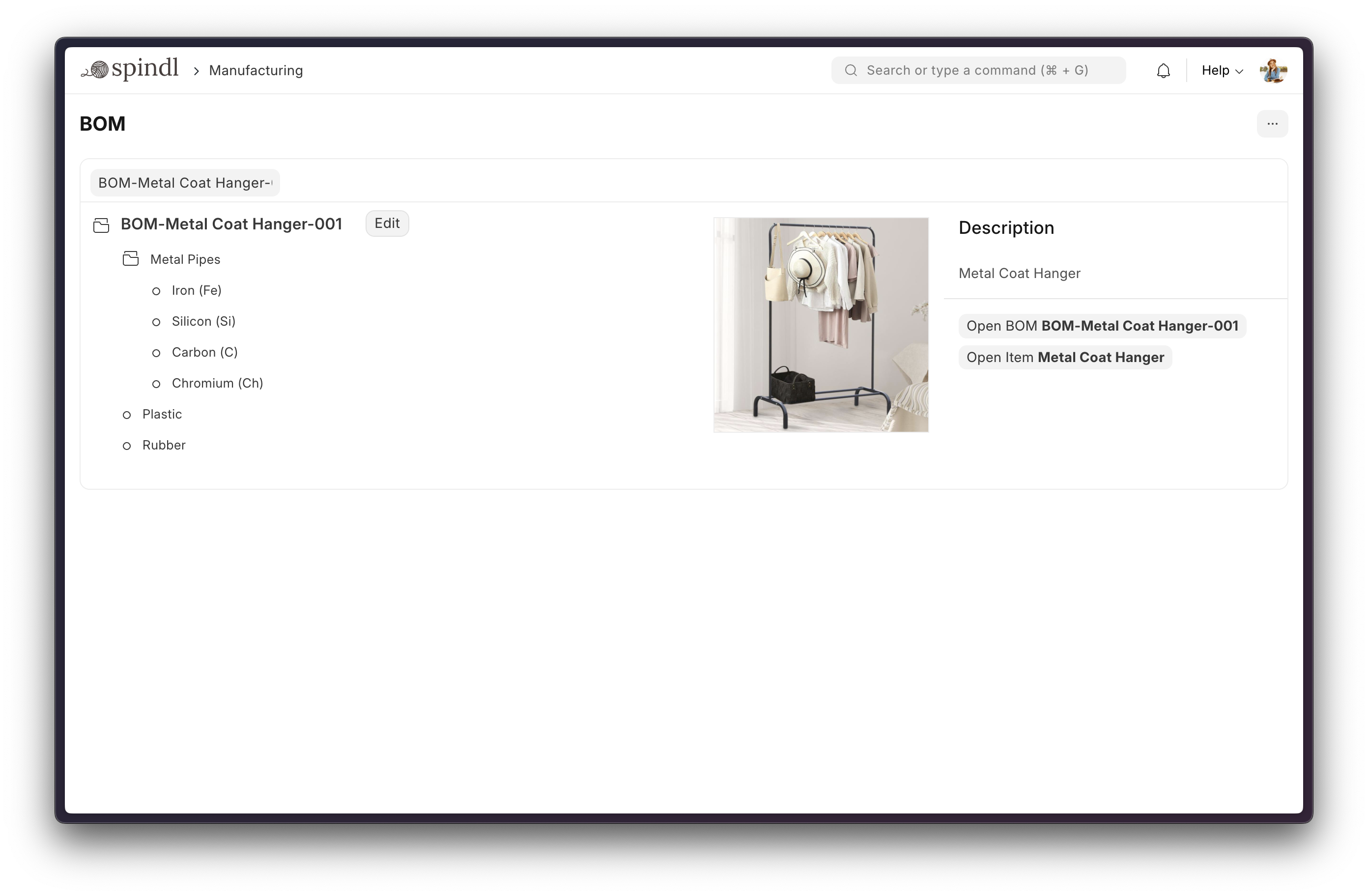
- Manufacturing: Simplifies the production cycle, helps track material consumption, exhibits capacity planning, handles subcontracting, and more!
- Asset Management: From purchase to perishment, IT infrastructure to equipment. Cover every branch of your organization, all in one centralized system.
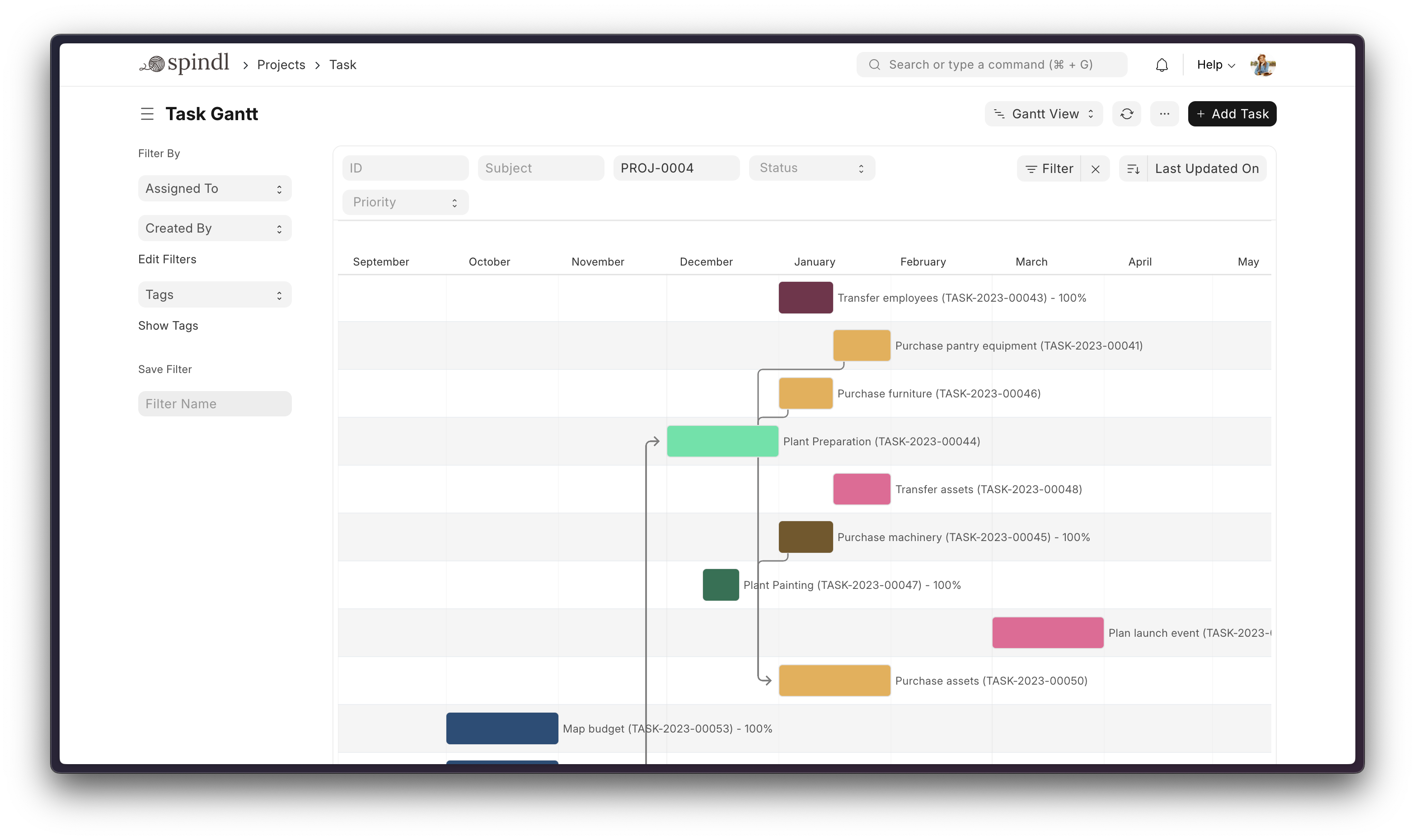
- Projects: Delivery both internal and external Projects on time, budget and Profitability. Track tasks, timesheets, and issues by project.
More

Under the Hood
-
Frappe Framework: A full-stack web application framework written in Python and Javascript. The framework provides a robust foundation for building web applications, including a database abstraction layer, user authentication, and a REST API.
-
Frappe UI: A Vue-based UI library, to provide a modern user interface. The Frappe UI library provides a variety of components that can be used to build single-page applications on top of the Frappe Framework.
Production Setup
Managed Hosting
You can try Frappe Cloud, a simple, user-friendly and sophisticated open-source platform to host Frappe applications with peace of mind.
It takes care of installation, setup, upgrades, monitoring, maintenance and support of your Frappe deployments. It is a fully featured developer platform with an ability to manage and control multiple Frappe deployments.

Self-Hosted
Docker
Prerequisites: docker, docker-compose, git. Refer Docker Documentation for more details on Docker setup.
Run following commands:
git clone https://github.com/frappe/frappe_docker
cd frappe_docker
docker compose -f pwd.yml up -d
After a couple of minutes, site should be accessible on your localhost port: 8080. Use below default login credentials to access the site.
- Username: Administrator
- Password: admin
See Frappe Docker for ARM based docker setup.
Development Setup
Manual Install
The Easy Way: our install script for bench will install all dependencies (e.g. MariaDB). See https://github.com/frappe/bench for more details.
New passwords will be created for the ERPNext "Administrator" user, the MariaDB root user, and the frappe user (the script displays the passwords and saves them to ~/frappe_passwords.txt).
Local
To setup the repository locally follow the steps mentioned below:
-
Setup bench by following the Installation Steps and start the server
bench start -
In a separate terminal window, run the following commands:
# Create a new site bench new-site erpnext.localhost -
Get the ERPNext app and install it
# Get the ERPNext app bench get-app https://github.com/frappe/erpnext # Install the app bench --site erpnext.localhost install-app erpnext -
Open the URL
http://erpnext.localhost:8000/appin your browser, you should see the app running
Learning and community
- Frappe School - Learn Frappe Framework and ERPNext from the various courses by the maintainers or from the community.
- Official documentation - Extensive documentation for ERPNext.
- Discussion Forum - Engage with community of ERPNext users and service providers.
- Telegram Group - Get instant help from huge community of users.
Contributing
Logo and Trademark Policy
Please read our Logo and Trademark Policy.
