 6de5367f12
* feat: initial SPA setup for banking

* wip: bring over new banking module

* feat: added Espresso design tokens

* feat: button styles

* fix: add all ink colors

* wip: espresso design system changes

* feat: button and badge espresso components

* fix: button styling for reconcile

* feat: Espresso progress bar

* feat: Espresso toggle switch

* feat: Espresso tabs design

* fix: vertical tab support

* fix: button sizing across modals

* feat: Espresso style table layout

* feat: Espresso tooltip

* feat: Espresso elevations and checkbox

* feat: Dialog with Espresso styles

* feat: Espresso textarea

* fix: input styles

* fix: colors on bank picker

* fix: breadcrumb styling

* fix: bank picker styling

* feat: create doctypes and fields for bank reconciliation

* feat: APIs for banking

* fix: use date format parser

* fix: font styling to match Espresso

* wip: settings modal

* feat: settings dialog component

* fix: icons and invalid requests

* feat: preferences tab

* fix: adjust icon stroke width to 1.5

* feat: rule configuration in settings

* fix: remove sheet component

* feat: alert and error banner component

* feat: dropdown in Espresso

* feat: popover and select in Espresso

* fix: cleanup more styles

* fix: match size of link fields

* feat: command styling

* fix: remove unused style tokens

* fix: styles for global date picker dropdown

* fix: styles for match and reconcile

* feat: table Espresso component

* feat: remove all other design tokens

* fix: remove unused tokens

* fix: form elements

* fix: remove unused styles and fix filters in bank transaction list

* feat: fetch bank rec doctypes for filtering

* fix: record payment modal

* feat: support for dark mode switching

* fix: move bank logos to public folder

* feat: add support for RTL

* feat: support for RTL

* chore: send layout direction in dev boot

* fix: make checkbox work in RTL

* feat: dark mode support

* fix: dark mode style

* feat: bank logos in dark mode

* feat: dark mode bank logos

* chore: use dark mode bank logos everywhere

* chore: move rule evaluation to controller

* chore: add tests for bank transaction rules

* fix: move deps to fix actions errors

* fix: move tw-animate-css to deps

* fix: remove shadcn

* fix: do not open modal if no transactions selected

* fix: add translation strings

* feat: add banner on existing bank reconciliation tool

* feat: bank statement import

* fix: translations and layout directions

* fix: validation for transaction matching rule

* fix: styles

* fix: show conflicting transactions in alert

* fix: show help text for new banking module forms

* feat: show total debits and credits

* fix: dark mode colors in automatic config

* feat: add keyboard shortcuts help

* feat: added keyboard shortcut for settings

* fix: decrease size of progress bar

* chore: bump packages

* feat: add tests for statement import

* fix: settings dialog

* fix: show banner on small screens

* fix: show banner when no bank account set

ERPNext
Powerful, Intuitive and Open-Source ERP




ERPNext
100% Open-Source ERP System to help you run your business.
Motivation
Running a business is a complex task - handling invoices, tracking stock, managing personnel, and other daily operations. In a market where software is sold separately to manage each of these tasks, ERPNext does all of the above and more, for free.
Key Features
- Accounting: All the tools you need to manage cash flow in one place, right from recording transactions to summarizing and analyzing financial reports.
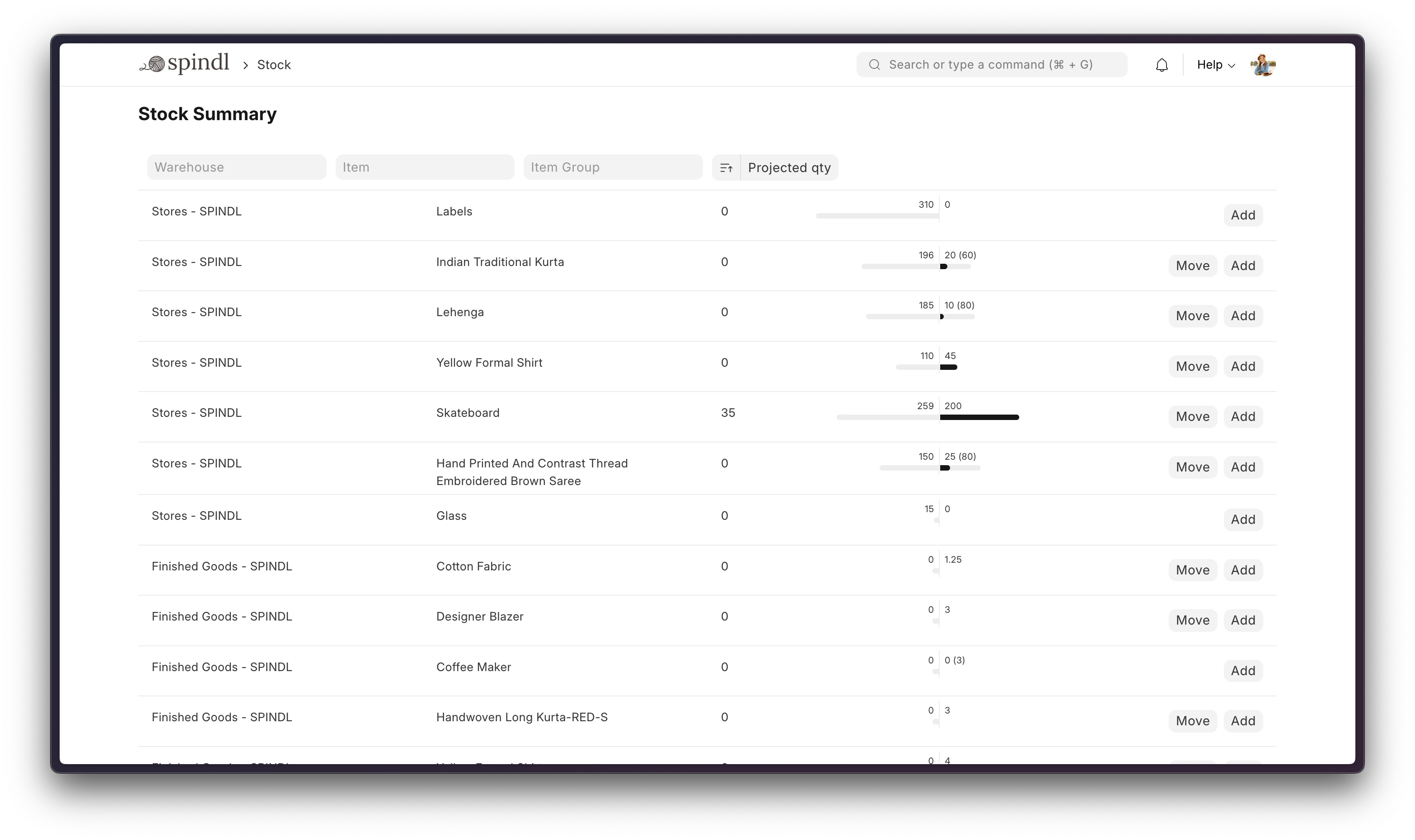
- Order Management: Track inventory levels, replenish stock, and manage sales orders, customers, suppliers, shipments, deliverables, and order fulfillment.
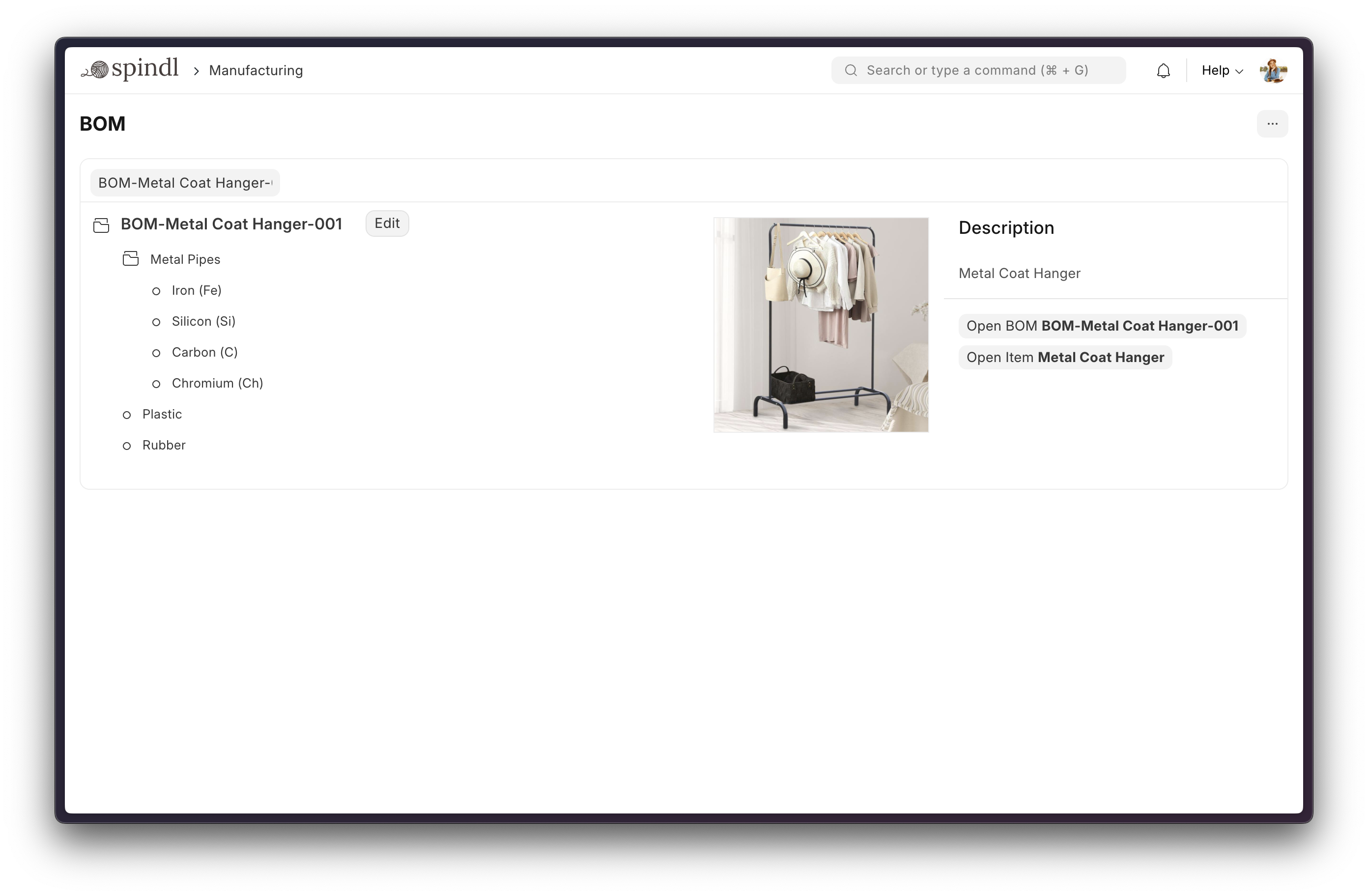
- Manufacturing: Simplifies the production cycle, helps track material consumption, exhibits capacity planning, handles subcontracting, and more!
- Asset Management: From purchase to disposal, IT infrastructure to equipment. Covers every branch of your organization, all in one centralized system.
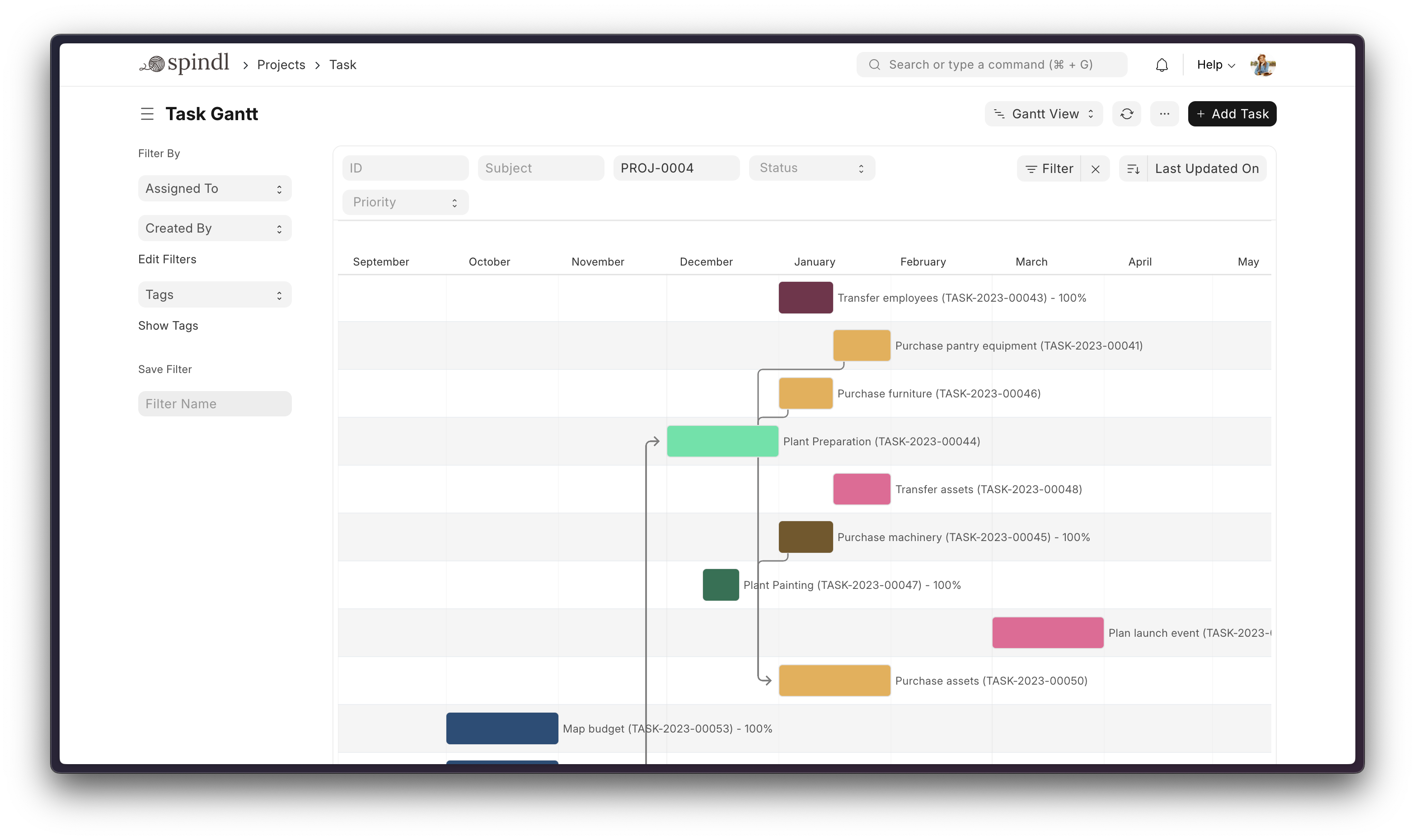
- Projects: Deliver both internal and external projects on time, budget and profitability. Track tasks, timesheets, and issues by project.
More

Under the Hood
-
Frappe Framework: A full-stack web application framework written in Python and JavaScript. The framework provides a robust foundation for building web applications, including a database abstraction layer, user authentication, and a REST API.
-
Frappe UI: A Vue-based UI library, to provide a modern user interface. The Frappe UI library provides a variety of components that can be used to build single-page applications on top of the Frappe Framework.
Production Setup
Managed Hosting
You can try Frappe Cloud, a simple, user-friendly, and sophisticated open-source platform to host Frappe applications reliably and securely.
It handles installation, setup, upgrades, monitoring, maintenance, and support of your Frappe deployments. It is a fully featured developer platform with an ability to manage and control multiple Frappe deployments.

Self-Hosted
Docker
See Frappe Docker Documentation for full documentation & FAQ on Docker setup
Prerequisites
For Docker basics and best practices refer to Docker's documentation
Try on your environment
⚠️ Disposable demo only
This setup is intended for quick evaluation. Expect to throw the environment away. You will not be able to install custom apps to this setup. For production deployments, custom configurations, and detailed explanations, see the full documentation.
First clone the repo:
git clone https://github.com/frappe/frappe_docker
cd frappe_docker
Then run:
docker compose -f pwd.yml up -d
Wait for a couple of minutes for ERPNext site to be created or check the create-site container logs before opening browser on port 8080. (username: Administrator, password: admin)
See Frappe Docker for ARM based docker setup
Development Setup
Manual Install
The Easy Way: our install script for bench will install all dependencies (e.g. MariaDB). See https://github.com/frappe/bench for more details.
New passwords will be created for the ERPNext "Administrator" user, the MariaDB root user, and the Frappe user (the script displays the passwords and saves them to ~/frappe_passwords.txt).
Local
To setup the repository locally follow the steps mentioned below:
-
Setup bench by following the Installation Steps and start the server
bench start -
In a separate terminal window, run the following commands:
# Create a new site bench new-site erpnext.localhost -
Get the ERPNext app and install it
# Get the ERPNext app bench get-app https://github.com/frappe/erpnext # Install the app bench --site erpnext.localhost install-app erpnext -
Open the URL
http://erpnext.localhost:8000/appin your browser, you should see the app running
Learning and Community
- Frappe School - Learn Frappe Framework and ERPNext from the various courses by the maintainers or from the community.
- Official documentation - Extensive documentation for ERPNext.
- Discussion Forum - Engage with the community of ERPNext users and service providers.
- Telegram Group - Get instant help from huge community of users.
Contributing
Logo and Trademark Policy
Please read our Logo and Trademark Policy.
